
Language settings
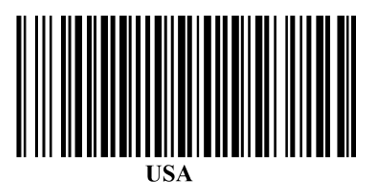
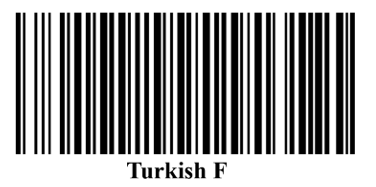
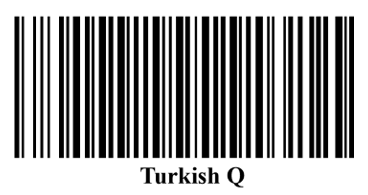
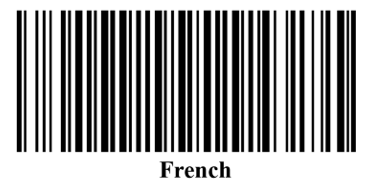
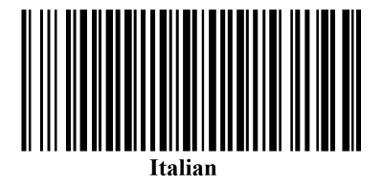
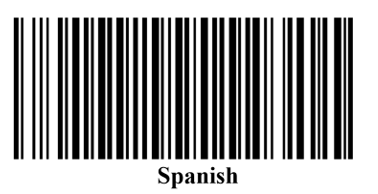
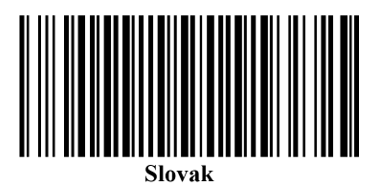
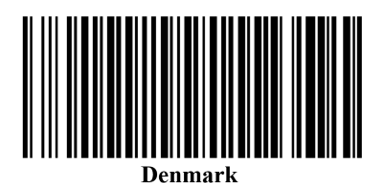
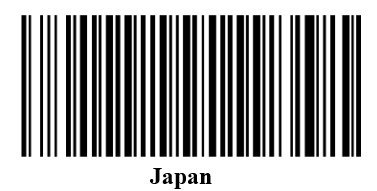
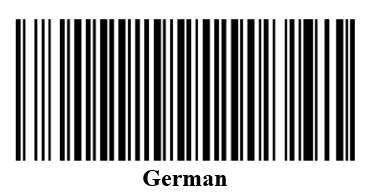
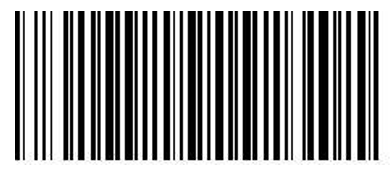
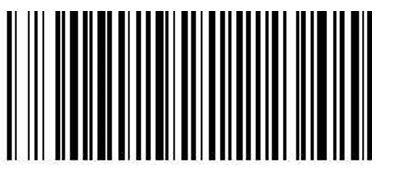
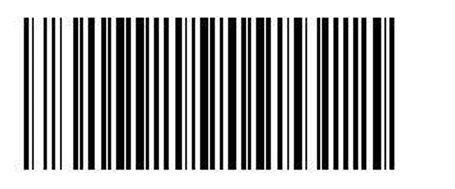
The scanner supports language switching in USB and Bluetooth mode. Please scan the barcodes and switch the language of the computer keyboard to the same language.
Note: These settings apply to the Rockscan W100 itself when used as a stand-alone device. If you are using the Rockscan W100 together with the BFP1 charging and transfer station (available as an accessory), use the corresponding codes found here to configure the station.
Bluetooth Mode
Use this codes if you use a Bluetooth connection to communicate between end device and Rockscan W100.
USB Mode
Use this codes if you use a USB connection to communicate between end device and Rockscan W100.
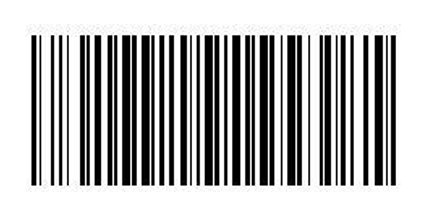
USA
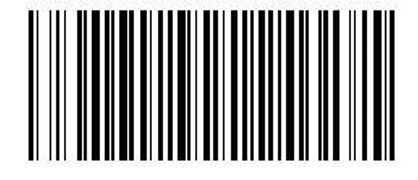
French
German
Italian
Spanish