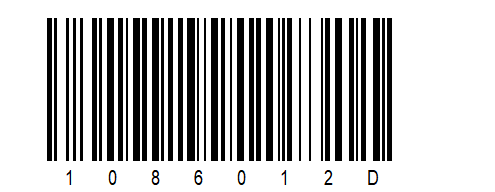
General settings
Note: Make sure that the base station and the scanner are connected to each other in order to successfully scan the setup code.
Switching sound on and off
You can switch the base station's feedback sound on or off.
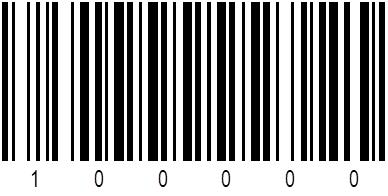
Sound on
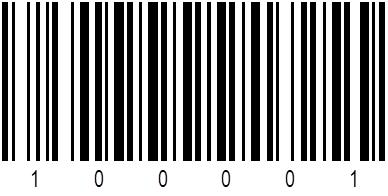
Sound off
Switching DATA-LED on and off
You can switch the data transfer LED on or off.

DATA-LED on

DATA-LED off
Configuring Auto-Power-Off
Scan the following barcode to activate or deactivate the auto-power-off function when the W100 scanner is placed into the cradle: